
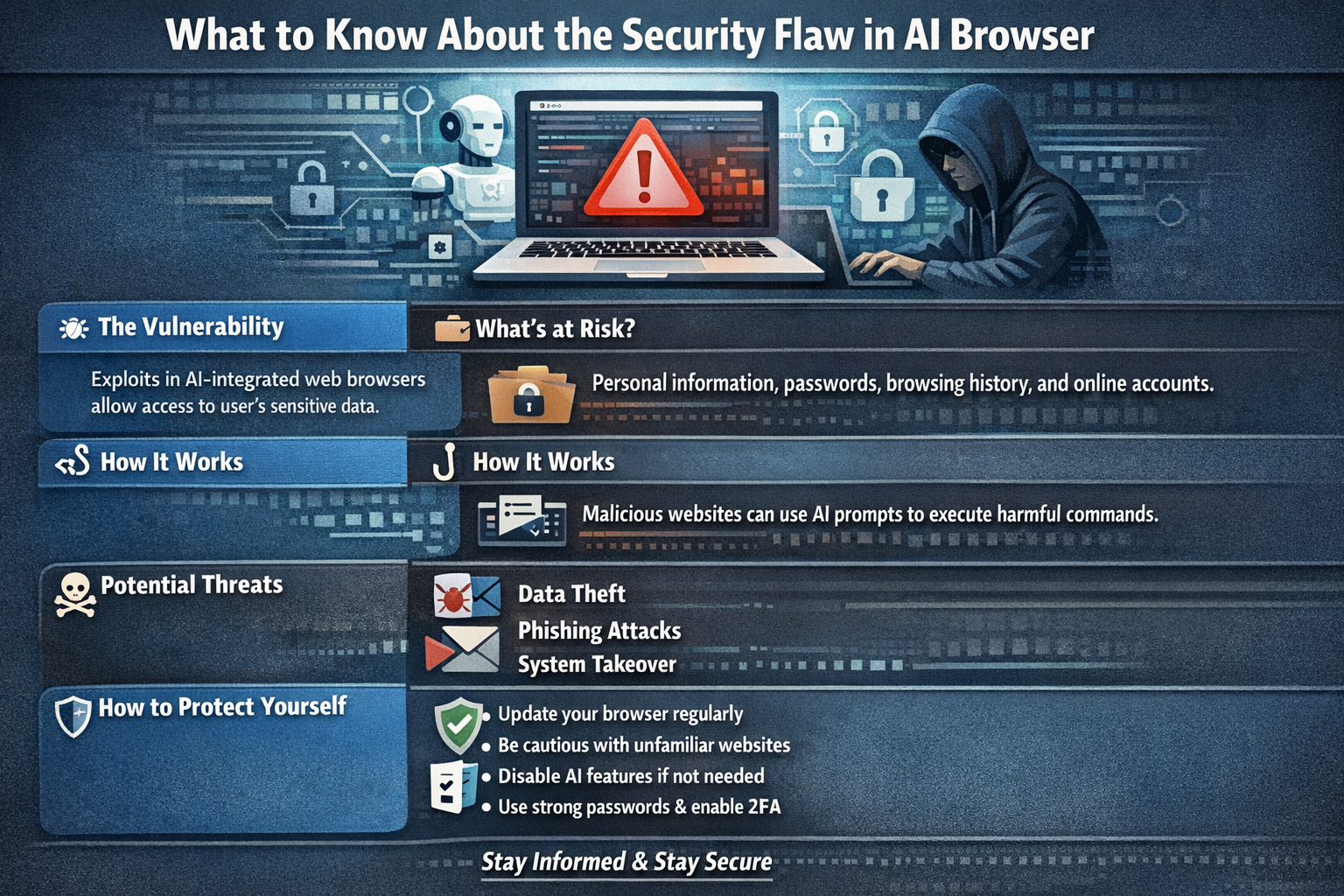
AI browsers sound like the future. They summarize pages, chat with tabs, and run tasks. But recent flaws show real dangers. Know the risks before you install one.
What AI Browsers Actually Do
These tools embed AI right into browsing. Highlight text for instant summaries. Ask questions across open tabs. Agents even book flights from search results.
No more manual copying. Everything feels smarter. But that intelligence processes your every click.
Core Features Explained
Sidebar chats understand page context. Memory recalls past sessions. Automation fills forms or emails. Comet and Arc pushed these hard in 2025.
The Hype vs Reality Check
Marketers promise hours saved daily. Reality hits with bugs and privacy hits. Features shine for research but falter on security.
Productivity Promises
Writers love quick insights. Researchers pull data fast. Casual users get overwhelmed by constant AI prompts. Test small first.
Security Risks You Can’t Ignore
AI reads web content deeply. Malicious sites exploit this trust. Flaws like Comet’s let hackers steal data easy.
Prompt Injection Dangers
Pages hide commands in invisible text. AI follows them over your rules. Brave exposed this in Perplexity’s browser.
Data Privacy Concerns
Summaries send page text to clouds. Memory stores sensitive details. Leaks happen despite promises. Local models safer but rarer.
The APK Download Trap Scenario
Imagine you go to a website to download apk, a hacker puts a secret script that injects malicious prompts into your AI browser, tricking it into extracting login cookies from your other tabs while “summarizing” the download page and sending them straight to the attacker. Your accounts fall without a single warning.
Why It Hits Hard
AI acts helpful during attacks. No user approval needed. Mobile sideloading makes it worse on Android.
Top AI Browsers to Consider
Choices matter. Pick audited ones.
Brave Leo Breakdown
Local AI processing. Tracker blocks built-in. Fewer leaks reported. Good for privacy fans.
Perplexity Comet Lessons
Major flaws fixed post-exposure. Prompt injections and API gaps showed dangers. Avoid betas now.
Comparison Table: AI Browser Risks
| Browser | Prompt Safety | Privacy Level | Known Flaws | Best Use Case |
|---|---|---|---|---|
| Brave Leo | High | Excellent | Minimal | Daily Browsing |
| Perplexity Comet | Medium | Poor | Multiple Fixed | Avoid for Now |
| Arc Max | Medium | Good | Some Injections | Productivity |
| Opera Aria | High | Good | Few Reported | Summaries |
| Genspark | Low | Medium | Phishing Weak | Light Research |
Expert Warnings and Red Flags
Security firms like LayerX tested 85% worse phishing blocks. Black Hat demos spread fear. “Too much web trust,” researchers say.
What Pros Say
Disable agents on unknowns. Use incognito tests. Standard browsers safer for banking. AI adds risk without full maturity.
Safe Ways to Test AI Browsers
Start cautious. No full commitment.
Step-by-Step Setup
Download from official sites. Turn off cloud AI first. Test on dummy accounts. Monitor network traffic in dev tools. Clear data after sessions.
Alternatives That Work Better
ChatGPT tabs next to Chrome. Perplexity site separate. Extensions like uBlock handle basics. Less risk, same gains.
Final Thoughts
AI browsers tempt with smarts but deliver headaches via flaws. Comet’s mess proves caution wins. Test Brave Leo if curious. Otherwise, stick to trusted tools. Your security comes first over shiny features.
FAQs
1. Safe to try AI browsers now?
With tight settings, yes. Avoid agents and betas.
2. Worst risk exposed?
Prompt injections steal data easy. Patched in leaders.
3. Local AI fixes privacy?
Mostly. Check telemetry settings always.
4. Chrome adding AI too?
Yes, but sandboxed better. Less aggressive.
5. When ready for daily use?
2026 with audits. Maturity needed first.

![Epoxy Curing Agents Market Growth Analysis Report | Industry Status, Market Opportunities, Key Challenges, Competitive Strategies, Revenue Breakdown, and Forecast Outlook [2025–2034]](https://driftelano.com/wp-content/uploads/2025/12/Epoxy-Curing-Agents-Market.jpg)
![EMI Shielding Market Insights and Analysis [2025–2034] | Industry Performance, Growth Opportunities, Risk Factors, Strategic Developments, and Long-Term Market Projections](https://driftelano.com/wp-content/uploads/2025/12/EMI-Shielding-Market.jpg)

![Dimethyl Ether (DME) Market [Latest Reports] | Business Environment Analysis, Corporate Strategies, Competitive Benchmarking, Investment Trends, and Emerging Market Developments [2025–2034]](https://driftelano.com/wp-content/uploads/2025/12/Dimethyl-Ether-DME-Market.png)
Leave a Reply