
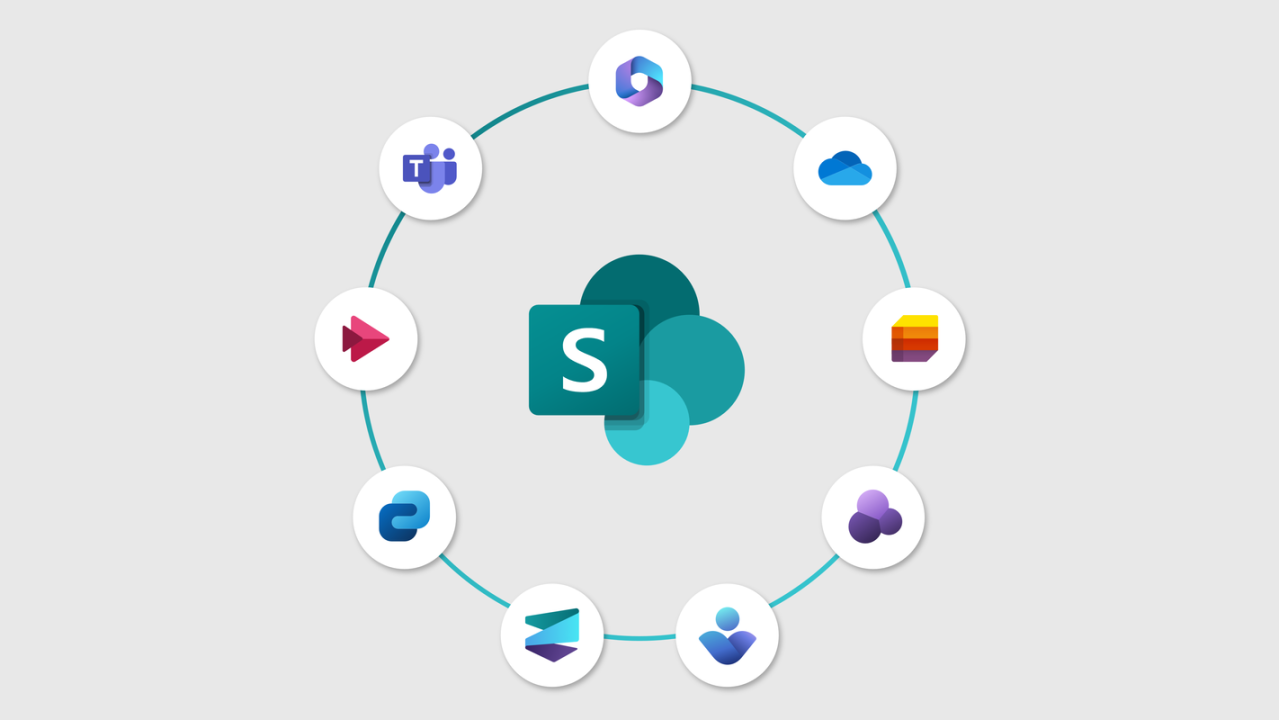
Microsoft SharePoint plays a vital role in content management and collaboration for modern organizations. It stores critical business data such as documents, lists, libraries, and workflows. While SharePoint offers high availability, it does not replace the need for a dedicated backup strategy. This is where a reliable SharePoint backup tool becomes essential.
Data loss can occur due to accidental deletion, cyber threats, sync errors, or misconfigurations. A proper backup solution ensures your SharePoint data remains secure, recoverable, and compliant at all times.
Why SharePoint Backup Is Important
Many organizations assume Microsoft fully backs up SharePoint data. In reality, Microsoft follows a shared responsibility model. This means data protection and recovery largely remain the customer’s responsibility.
A dedicated SharePoint backup helps organizations recover deleted content, restore previous versions, and maintain business continuity. It also supports compliance with regulatory and internal data retention policies.
Read also: Formation Offshore Company Explained
Risks of Not Using SharePoint Backup Software
Without a professional backup solution, SharePoint data is exposed to several risks.
Common risks include:
-
Accidental or malicious data deletion
-
Ransomware and cyberattacks
-
Limited retention periods in native recovery options
-
Incomplete recovery of sites or libraries
-
Data loss during configuration or permission changes
These risks make it clear why relying solely on built-in features is not enough.
What Is a SharePoint Backup Tool?
A SharePoint backup tool is specialized software designed to protect SharePoint Online and on-premises environments. It creates independent copies of SharePoint data that can be restored anytime without affecting live environments.
Such tools support full and incremental backups, selective restores, and long-term data retention. They are suitable for businesses of all sizes managing complex SharePoint infrastructures.
Key Features of an Effective SharePoint Cloud Backup
A reliable SharePoint cloud backup solution offers advanced features for complete data protection.
Key features include:
-
Full and incremental SharePoint backups
-
Backup of sites, subsites, libraries, and lists
-
Preservation of metadata and permissions
-
Secure authentication and encrypted transfers
-
Flexible restore and export options
-
Detailed backup and audit logs
These features ensure data integrity and fast recovery when required.
SharePoint Backup and SharePoint to SharePoint Migration
In many scenarios, organizations need both backup and migration capabilities. During tenant restructuring, mergers, or upgrades, businesses often plan SharePoint to SharePoint migration.
A backup solution plays a critical role here by allowing data to be backed up from the source tenant and restored into another. This approach reduces risks during migration and ensures no data is lost during the transition.
Manual vs Automated SharePoint Backup
Native SharePoint recovery options like the recycle bin and version history have limitations. They offer short retention periods and cannot handle complex recovery scenarios.
Automated SharePoint backup software provides better control, long-term retention, and faster recovery. It also minimizes manual effort and ensures consistent backups without user dependency.
Benefits of Using a Dedicated SharePoint Backup Tool
Using a professional backup tool offers multiple advantages.
Key benefits include:
-
Enhanced data security and compliance
-
Faster recovery from accidental deletions
-
Reduced downtime during incidents
-
Protection against ransomware threats
-
Centralized backup management
These benefits make automated backup solutions a necessity for modern SharePoint environments.
Best Practices for SharePoint Backup
Organizations should identify critical SharePoint data and define clear retention policies. Scheduling regular backups ensures data remains up to date. It is also important to test restore operations periodically to verify backup reliability.
Following these best practices helps maintain a robust and dependable backup strategy.
Conclusion
Protecting SharePoint data requires more than built-in recovery options. A dedicated SharePoint backup tool ensures business-critical content remains safe, accessible, and recoverable under all circumstances. Native features alone cannot address long-term retention, compliance, and advanced recovery needs.
A trusted solution like Kernel SharePoint Backup Tool offers a comprehensive approach to SharePoint data protection. It enables secure SharePoint backups, preserves data integrity, and supports recovery across various scenarios. By using a reliable backup solution, organizations can confidently safeguard their SharePoint environments and maintain uninterrupted business operations.
Read more blogs: driftelano

![Epoxy Curing Agents Market Growth Analysis Report | Industry Status, Market Opportunities, Key Challenges, Competitive Strategies, Revenue Breakdown, and Forecast Outlook [2025–2034]](https://driftelano.com/wp-content/uploads/2025/12/Epoxy-Curing-Agents-Market.jpg)
![EMI Shielding Market Insights and Analysis [2025–2034] | Industry Performance, Growth Opportunities, Risk Factors, Strategic Developments, and Long-Term Market Projections](https://driftelano.com/wp-content/uploads/2025/12/EMI-Shielding-Market.jpg)


![Dimethyl Ether (DME) Market [Latest Reports] | Business Environment Analysis, Corporate Strategies, Competitive Benchmarking, Investment Trends, and Emerging Market Developments [2025–2034]](https://driftelano.com/wp-content/uploads/2025/12/Dimethyl-Ether-DME-Market.png)
Leave a Reply